How to play at an Online Mobile Casino As more and more people utilize their mobile devices to play games, it is becoming a trend

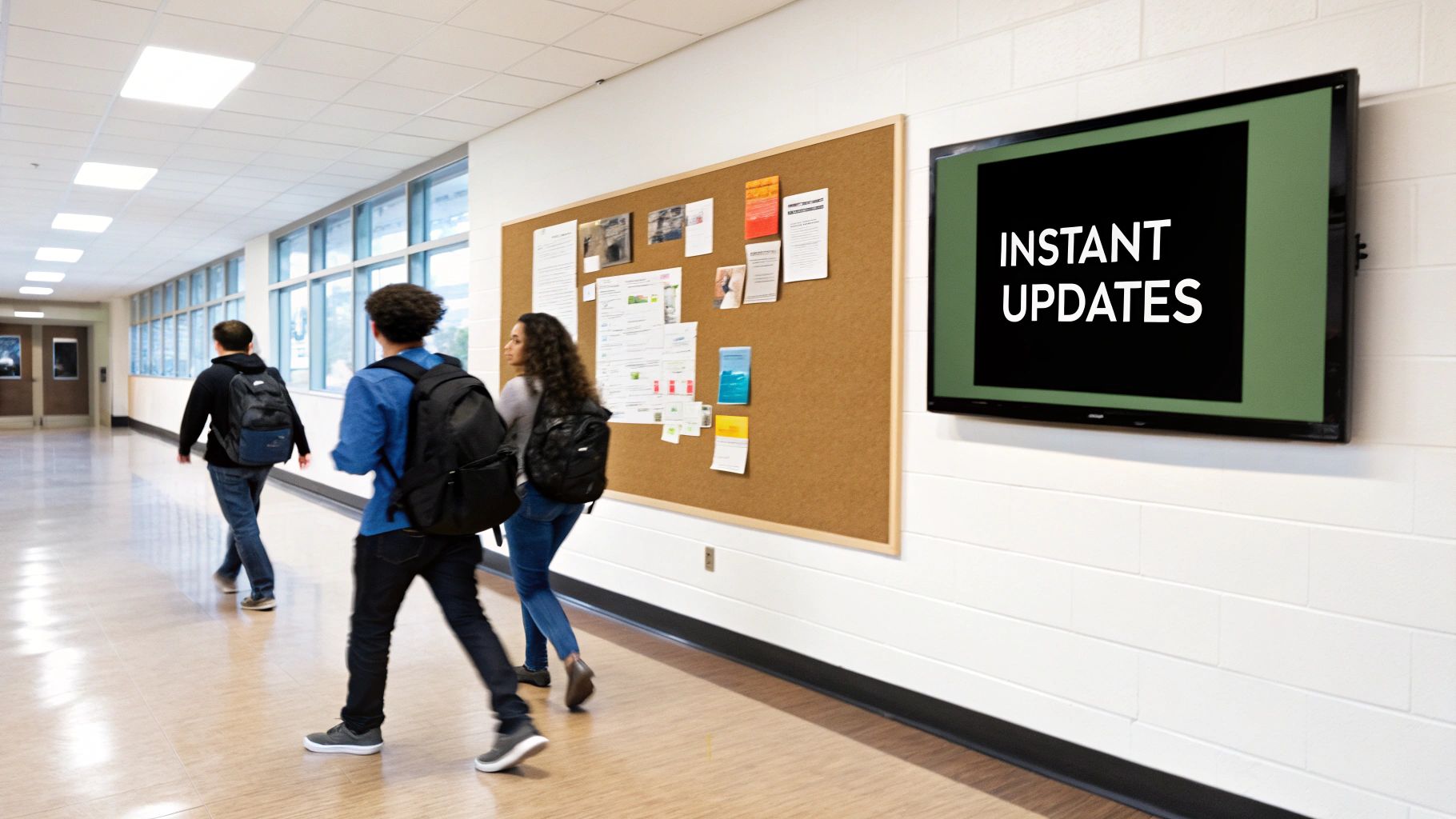
Remember your school days? Communication probably meant crumpled flyers at the bottom of a backpack, muffled PA announcements, and a bulletin board buried under layers of outdated notices. It was a system that tried its best, but it was slow, clunky, and messages often got lost in the shuffle. Digital signage in schools is the answer to that chaos, swapping out static paper for vibrant, centralized screens that deliver information in real time.
Think about how a modern campus runs. A parent visiting for a conference arrives, a little lost. Instead of hunting down a staff member, they tap on an interactive directory in the lobby that immediately pulls up a map. Down the hall, a student late for their next class spots a screen announcing a last-minute room change, saving them a trip across campus.
This isn't just a fancy upgrade; it's a fundamental shift in how a school communicates. It’s about moving from a passive, hope-they-see-it approach to an active, engaging information network. Honestly, it's quickly becoming a core piece of any connected, safe, and efficient learning environment.
The move to digital signage isn't just a passing trend—it's a serious investment in the campus nervous system. The market numbers tell the story loud and clear. The global digital signage market for education is on track to grow by USD 2.41 billion between 2025 and 2029, fueled by a steady compound annual growth rate of 10.7%. That kind of growth, highlighted in market research from Technavio.com, shows just how much value schools are seeing in this technology.
The reasons behind this switch are incredibly practical. Digital signage systems just work better.
A school's communication system is its nervous system. Traditional methods are like sending messages by mail, while digital signage is like sending them at the speed of thought, ensuring everyone gets the right information at the right time.
At the end of the day, bringing digital signage into a school is about creating a more informed and responsive community. It cuts through the noise and provides a single, reliable source of truth for students, staff, and visitors. As we dig into how schools are using these screens, you’ll see why this technology is becoming an absolute must-have for any forward-thinking campus.
Digital signage does far more than just get rid of paper flyers; it fundamentally reshapes the entire campus experience. When you deliver the right information, at the right time, in the right place, those screens become nerve centers that improve everything from daily navigation to overall school spirit. This technology turns passive hallways into active communication channels, making school life more connected and engaging for everyone involved.
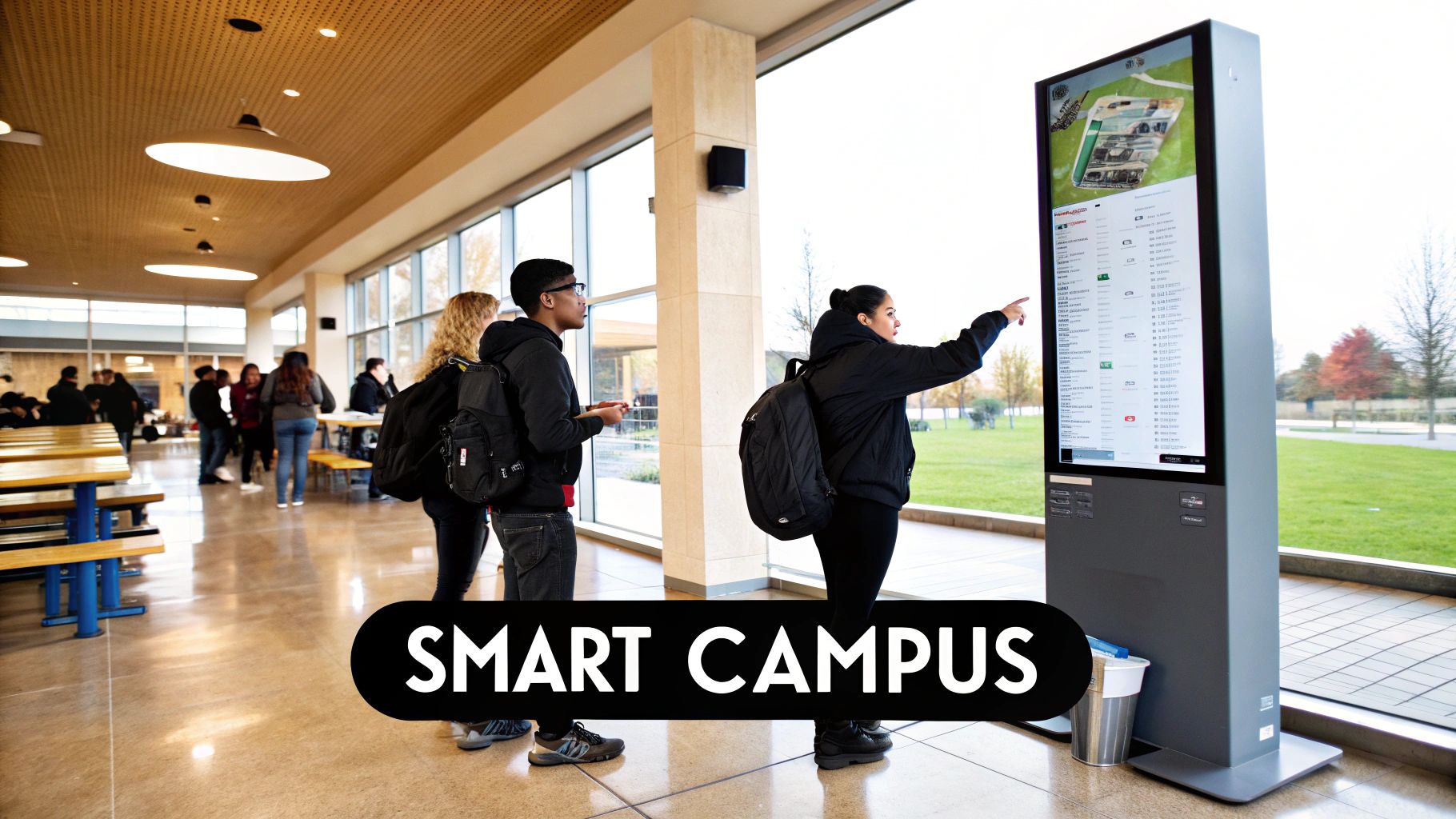
Just picture a new student or a visiting parent walking into the lobby for the first time. Instead of frantically looking for a staff member, they’re greeted by a bright, interactive map. This isn’t just a static floor plan—it's a live wayfinding tool that can guide them straight to the auditorium, library, or a specific classroom. On a sprawling campus, an application this simple can eliminate a huge amount of stress and confusion right from the start.
One of the biggest wins with digital signage is its power to build a real sense of community. A dusty trophy case is one thing, but a screen can bring student achievements to life in real time.
This constant, visible celebration creates a positive and motivating culture. It sends a clear message to students: your hard work is seen and valued by the entire community.
Digital signage transforms a school's walls from simple structural dividers into dynamic canvases for storytelling. Every screen becomes an opportunity to celebrate a student, share a success, and strengthen the bonds of the school community.
Schools all over are seeing incredible results from this. The current trend is to pull in real-time content from social media feeds to create a "social wall" that showcases achievements and builds excitement. At the same time, these screens can foster a more welcoming environment with multilingual greetings and accessibility features, helping every student feel like they belong.
Beyond building morale, digital signage brings huge practical benefits that make the day-to-day business of running a school much smoother. It tackles common operational headaches with simple, automated solutions that save everyone time.
Think about the cafeteria. A digital menu board can be updated instantly from a central computer to show daily specials, note ingredient changes, or display nutritional information. No more printing and taping up new signs. This simple change cuts down on lines and helps students make quicker, healthier choices.
The same idea applies to promoting events. Instead of relying on paper flyers that end up in the trash, schools can run eye-catching video promos for things like:
This kind of constant visual reminder dramatically boosts awareness and attendance. While the content is geared for a school environment, the core strategy of using dynamic visuals to grab attention is the same principle that makes LED signs for businesses so effective.
The impact of digital screens even extends right into the classroom and beyond. In libraries or common areas, interactive touchscreens become powerful learning hubs. They can give students direct access to the school’s digital catalog, educational apps, or curated online resources for their research projects.
These displays can also feature student-created content, flipping the experience from passive viewing to active participation. A history class could build a digital timeline of a key event, or a science class could loop a video of a recent experiment for all to see. This not only reinforces what they’ve learned but also teaches them valuable digital presentation skills. By thoughtfully integrating digital signage across campus, schools create a smarter, more responsive environment that truly serves the needs of its community.
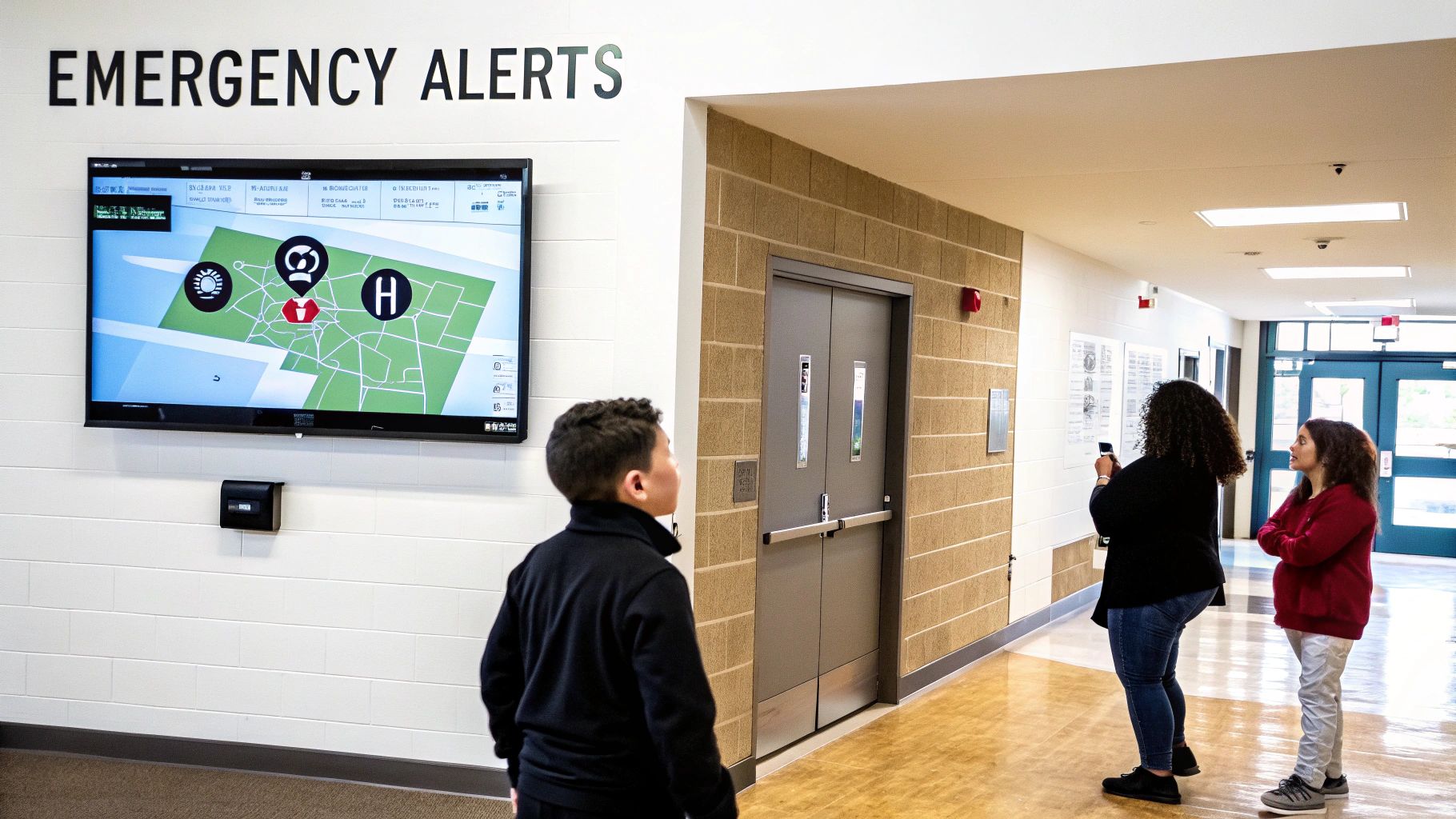
When an emergency hits a school, clear and immediate communication isn’t just a nice-to-have—it’s everything. Seconds feel like minutes, and any shred of confusion can breed panic. This is the moment digital signage transforms from a simple communication tool into a critical piece of your campus safety plan, acting as a silent, unmistakable authority when you need it most.
Picture this: a lockdown is suddenly called. The old, crackly PA system announcement is easily drowned out by a noisy classroom or a bustling hallway. Now, imagine a network of screens across campus instantly flashing a bright red, impossible-to-miss alert: "LOCKDOWN: SHELTER IN PLACE. THIS IS NOT A DRILL." A visual command like that cuts right through the chaos, providing immediate clarity.
The real muscle behind an emergency-ready digital signage system is its ability to plug directly into your existing alert protocols. Modern systems can integrate with Common Alerting Protocol (CAP) enabled platforms, which means a single authorized command can instantly take over every screen on campus.
This isn't just about flashing a generic warning. This integration allows for dynamic, context-specific instructions that a simple alarm bell or voice alert could never deliver.
In a crisis, information is a lifeline. Digital signage acts as a visual first responder, delivering life-saving instructions with a speed and precision that other communication methods simply can't match. This capability turns passive displays into active guardians of student and staff safety.
Sadly, the need for these rapid response systems is only growing. With a chilling 221 school shootings reported in 2024 alone, the ability to instantly push lockdown or evacuation alerts across an entire campus is invaluable. This technology saves lives and critically boosts a school's overall preparedness. You can learn more about the educational trends shaping campus safety and how schools are adapting.
While its role in a crisis is unmatched, digital signage also strengthens campus security through consistent, everyday messaging. The same screens that announce the daily lunch specials can also reinforce safety protocols and positive behaviors, building a more aware and prepared school community. This proactive approach is just as important as the reactive emergency functions.
Think of it as building "muscle memory" for safety. By regularly displaying key information, schools keep safety top-of-mind without causing undue alarm.
Examples of Daily Safety Reinforcement
By weaving these messages into the daily fabric of school life, digital displays do more than just inform; they actively cultivate a culture where safety is a shared responsibility. This dual capability—serving as both a daily informant and an emergency beacon—makes digital signage one of the most powerful and versatile investments a school can make in its community's well-being.
Picking the right tech for your school's digital signage network can feel like a massive undertaking. The trick is to stop thinking about it as just buying screens and start thinking about it as building a complete communication ecosystem. It all boils down to two core pieces working together: the hardware (the actual screens and players) and the software (the brains telling those screens what to show).
Get this part right, and your system will be powerful, easy for your staff to actually use, and built to last for years. A mismatched system, on the other hand, quickly leads to frustration and empty screens. The right combination, however, will become an essential part of campus life.
To make the best choice, it helps to see how different display technologies stack up against the unique demands of a school. From a high-traffic hallway to a dim auditorium, the right tool for the job makes all the difference.
| Display Type | Best For | Key Considerations | Typical Lifespan |
|---|---|---|---|
| Commercial-Grade LCD/LED | Hallways, cafeterias, common areas, classrooms. | Brightness (must compete with fluorescent lights & sunlight), durability, designed for long run-times (16-24 hrs/day). | 5-7 years |
| Interactive Touchscreens | Lobbies, libraries, collaborative spaces. | Responsiveness, durability of the touch surface, user-friendly interface for all ages. | 5-7 years |
| Large LED Video Walls | Auditoriums, gymnasiums, outdoor marquees. | Extreme brightness for visibility, seamless modular design, weather resistance (for outdoor use), viewing distance. | 8-11 years |
| Projectors | Auditoriums, large classrooms (less common for signage). | Ambient light can wash out the image, requires bulb/laser replacement, not ideal for constant "on" status. | Varies by bulb/laser |
This comparison shows there's no single "best" option—it's all about matching the hardware to the environment and your specific communication goals.
Not all digital displays are created equal. The screen you’d put in a bright, chaotic cafeteria is worlds apart from the one you’d want for an interactive map in the library. Every space has its own challenges, and choosing the right hardware is the first real step toward a successful system.
For most school situations, commercial-grade screens are the baseline. Unlike the TV in your living room, these are tough—they're built to run for 16 to 24 hours a day and have much higher brightness levels to cut through fluorescent lighting or a sunny atrium. In any high-traffic area where you need reliability, these are your workhorses.
But sometimes, a standard screen just won't cut it. That's where specialized hardware comes in:
If the screens are the face of your system, the Content Management System (CMS) is the brain. This is the software where your team will spend all their time—creating announcements, scheduling videos, and pushing out emergency alerts. Frankly, the usability of your CMS will make or break your entire digital signage program.
A great CMS should feel intuitive, not like you need an engineering degree to use it. Look for platforms with features built for people who aren't IT experts, like drag-and-drop templates, simple calendar-based scheduling, and plug-and-play widgets for things like the weather or your school's Twitter feed.
You'll generally run into two types of software models:
Choosing a CMS is like hiring an assistant to manage all your announcements. You want one that’s reliable, easy to work with, and doesn't need constant hand-holding. For a busy school, a user-friendly, cloud-based platform almost always fits that role perfectly.
At the end of the day, your digital signage network is a core piece of your campus infrastructure. As you plan the investment, it helps to think in the broader context of building a tech-ready campus so that all your systems can work together smoothly. By carefully matching the right hardware to each location and pairing it with software people actually enjoy using, you’ll empower your school to communicate better than ever before.
Getting a digital signage system up and running in a school is about so much more than just buying a few fancy screens. You need a game plan.
A thoughtful, step-by-step approach ensures your new tech actually serves a purpose, fits into your day-to-day operations, and gives you a real return on your investment. Without a solid plan, even the most impressive hardware can end up as little more than expensive dust collectors.
Think of it like building a house. You wouldn't just start ordering windows and doors without a detailed blueprint. This implementation guide is your blueprint, walking you from the initial spark of an idea to a fully functioning communication network that genuinely improves campus life.
Before a single screen gets mounted on a wall, your team needs to get on the same page. This first phase is all about asking the right questions to nail down the project's goals, scope, and technical needs.
Start by pulling together a small project team. You'll want people from administration, IT, and maybe even your communications or marketing folks in the room.
Next, it's time for a walk-through. Do a thorough site survey of your campus to pinpoint the high-traffic spots where screens will make the biggest splash. Think about places like the main entrance, cafeteria, library, gym, and busy hallway intersections. For each potential location, you need to ask:
Getting this right from the jump prevents costly mistakes later on and guarantees every screen is placed where it can do the most good. A screen in an empty hallway is just a wasted opportunity.
A successful digital signage network is born from purpose, not just placement. By defining what you need to communicate in each location before you install, you turn screens into strategic assets instead of just digital decorations.
With your locations mapped out, your focus needs to shift to the most important piece of the puzzle: the content. What are you actually going to show on these screens?
A well-defined content strategy is what keeps your displays fresh, relevant, and engaging. Without one, people will start tuning them out in a week.
This is also the time to assign clear roles and responsibilities. Your digital signage in schools system needs a champion—someone who takes ownership of the day-to-day management. This doesn't have to be a full-time IT gig; often, an administrative assistant or a communications officer is the perfect fit.
The whole system really boils down to three core pieces working together: the hardware that shows the message, the software that manages it, and the deployment that brings it all to life.
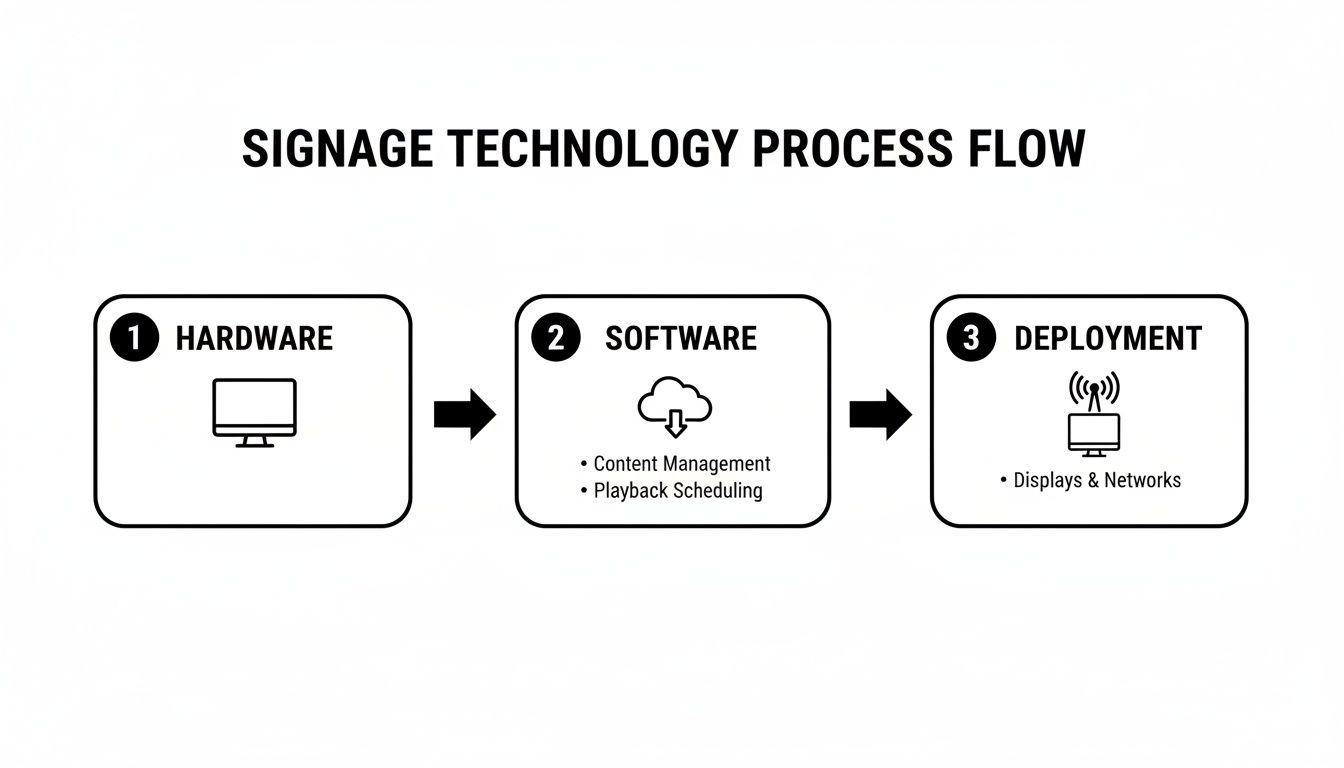
As you can see, a great system depends on the seamless flow between the physical displays and the centralized software controlling them. When those two work in harmony, you get an effective deployment.
Okay, now it's time to bring in the tech experts. Your IT department needs to make sure the school's network has enough bandwidth to handle streaming video and other media across a bunch of screens at once.
This is also where you have to tackle critical security and compliance issues. Don't skip this part.
Key Technical Checklist:
This phase is where your strategic plan becomes a physical reality. Taking the time to get these technical details right ensures your system is not only effective but also safe, secure, and accessible for everyone in your school community.
Getting a major technology investment approved always comes down to two things: a crystal-clear financial plan and a way to prove it’s actually working. For digital signage in schools, that conversation starts with the Total Cost of Ownership (TCO), which is way more than just the price of the screens themselves. A successful project hinges on a budget that sees the whole picture.
This means you have to look beyond the initial sticker shock. Your budget needs to account for the displays, of course, but also the media players that run them, the mounting hardware to secure them safely, and the all-important software licenses for your Content Management System (CMS). Don't forget to also set aside funds for one-time hits like professional installation and any network upgrades needed to handle the new traffic.
A detailed budget is your best defense against surprise expenses popping up later. To put together a realistic financial roadmap, make sure you're allocating funds for each of these key components:
As you build out the financial blueprint for your digital signage project, looking at a guide on crafting a winning sample grant budget can be a huge help in figuring out how to allocate resources and pitch the project to stakeholders. And if you need a deeper dive into the cost of specific hardware, understanding the factors behind outdoor LED sign cost can help round out your budget.
Sure, it's easy to point to direct savings, like the reduction in printing and paper costs. But the real value of digital signage in schools is measured by its ripple effect across the campus community. The true return on investment (ROI) isn't just about line items; it's about better outcomes.
Measuring success for school digital signage isn't just about cost savings. It’s about quantifying improvements in communication, engagement, and safety—metrics that reflect a healthier, more connected campus environment.
To really prove the project's worth, you need to collect data that shows a real, tangible difference. You can measure success by tracking key indicators that align directly with your school's core mission.
Key Metrics to Track:
By tracking these kinds of metrics, you build a powerful story. You can show that your digital signage network isn't just another tech expense—it's a strategic investment that makes your entire school community stronger.
Jumping into any new school technology brings up questions. It's only natural. After helping countless schools navigate this process, we've found a few common questions pop up time and time again. Let's tackle them head-on.
This is probably the number one question we get, and the answer is refreshingly simple: it’s not hard at all. Modern digital signage runs on user-friendly software called a Content Management System (or CMS). Forget needing a technical wizard on standby.
These systems are built for people who aren't IT experts. Think drag-and-drop interfaces, ready-made templates, and straightforward scheduling tools. Your school's administrative assistant can handle the daily updates with just a bit of initial training, freeing up your IT team to focus on the bigger picture.
Absolutely. In fact, this is where the real power of digital signage comes alive. A good system is designed to play well with others. Many platforms can hook directly into your school information system (SIS) to automatically pull in calendar events, daily announcements, and even what’s for lunch.
The most critical integration, though, is with your emergency alert systems. Using the Common Alerting Protocol (CAP), your screens can automatically switch to display urgent, campus-wide messages during a crisis. It ensures everyone gets the same information, instantly.
This one feature alone elevates your displays from a "nice-to-have" to an essential piece of your school’s safety and communication plan.
It's tempting to think a regular TV from a big-box store will do the job, but commercial-grade displays are a different beast entirely. They're engineered to run for long hours, day after day, in a busy school environment. You can typically expect a lifespan of 50,000 to 60,000 hours.
What does that mean in practical terms? You're looking at well over five to seven years of reliable, non-stop performance. Maintenance is minimal—usually just software updates and a quick wipe-down now and then. This isn't just a purchase; it's a long-term investment in your campus communication that pays for itself in dependability.
Ready to transform your campus communication and safety? The experts at Smart LED Inc. can help you design a powerful, reliable, and easy-to-use digital signage solution tailored to your school's unique needs. Get in touch with our school signage experts.
How to play at an Online Mobile Casino As more and more people utilize their mobile devices to play games, it is becoming a trend
Lorem ipsum dolor sit amet consectetur adipiscing elit. Quisque faucibus ex sapien vitae pellentesque sem placerat. In id cursus mi pretium tellus duis convallis. Tempus
Plinko casino game has turned up in enough Australian lobbies now that it pays to treat it as a proper product, not a novelty. The
"*" indicates required fields
We have sent a 6-digit verification code to your email. Please enter it below to continue.